Education Agent CRM Features: A Boutique Agency Checklist
A buyer's checklist of the CRM features a 1-15 counsellor study-abroad agency actually needs - and how to test any tool in a week.
Most study-abroad agencies do not need a bigger CRM. They need one that fits how a student actually moves — from a first enquiry to an offer, a CAS or I-20, a visa, and finally enrolment — and keeps the commission attached to that journey. This is a buyer's checklist for boutique agencies with 1–15 counsellors: the features that earn their place, the ones you can skip, and a way to test any tool in a week before you commit.
What should a study-abroad CRM actually do?
A study-abroad CRM should track one thing well: the student lifecycle. That means a single record per student that carries the enquiry, every application, the documents each application needs, the visa steps, and the commission — so nothing is re-typed and no deadline lives only in someone's memory. A generic deal pipeline misses most of this.
In enrollo the lifecycle is five plain stages every application moves through — preparing, applied, offered, confirmed, enrolled — with the country-specific detail (a CAS for the UK, an I-20 for the US, a CoE for Australia, a conditional offer, a deposit) recorded as events on the student's timeline rather than forced into a rigid template. The point is not more fields. The point is that one student record is the source of truth, and the offer date, the document status, and the commission all read from it.
Which CRM features are must-haves for a boutique agency?
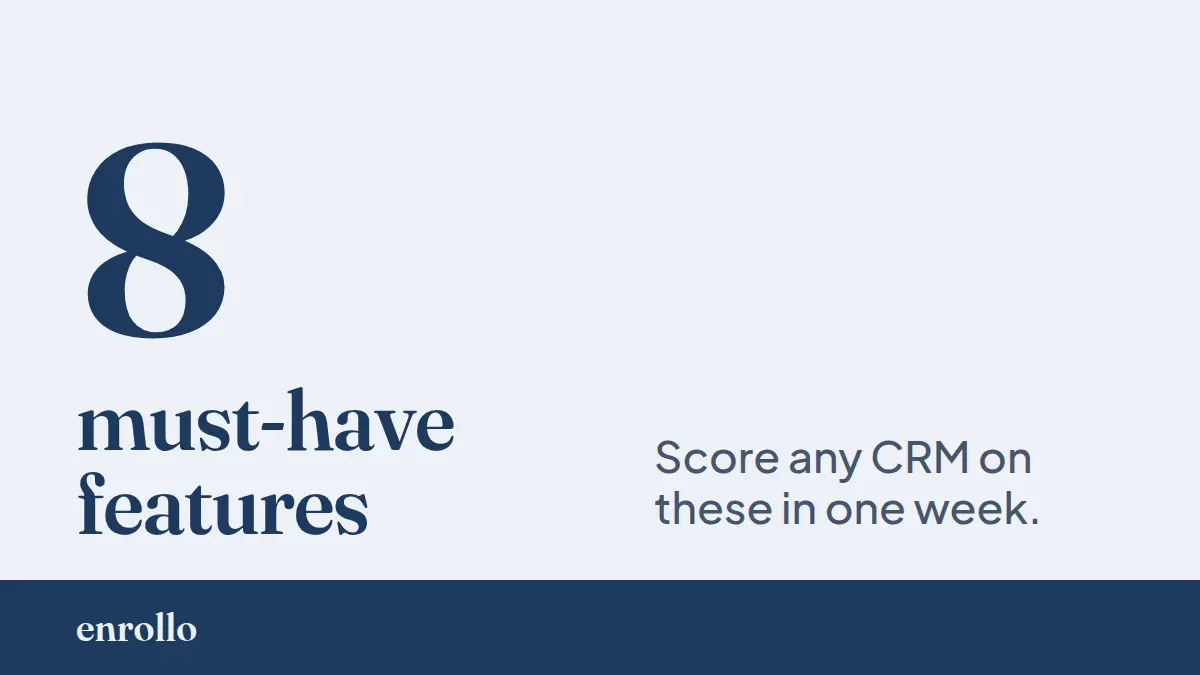
For a 1–15 counsellor agency, a feature is a must-have when its absence costs you money or a deadline. Use this as a requirements checklist when you demo any tool. If a CRM cannot do these, it does not fit study-abroad work, however polished it looks:
- One student record, entered once — name, contact, nationality, education level, GPA, English test and expiry, budget, and parent contacts in a single place that every other view reads from.
- Multiple applications per student — one student often applies to several institutions and intakes. Each application needs its own institution, program, intake, and status, not a single deal stuck on one row.
- Document tracking with real states — not a checkbox. enrollo moves each document through not started, student submitted, institution submitted, verified, and revision needed, so you can see at a glance what is blocking an offer.
- Deadlines that surface themselves — a next action with a due date per student, pushed into an inbox that shows overdue and due-today work first, so an offer expiry or deposit cut-off does not slip past you.
- A visa step record — submitted, biometrics, interview, approved, rejected, reapplied — tracked per student so a visa lodged after the intake closed never comes as a surprise.
- Commission tied to the application — a commission status lifecycle of claimable, invoiced, partial, collected, with installments, invoice numbers, and payment dates, so money you earned does not age out in a spreadsheet tab.
- Sub-agent split tracking — when a referral partner sources a student, the split percentage and the partner sit on the record, so the share is documented before the dispute, not after.
- Counsellor assignment and a per-student activity log — so when a colleague is away or a student is handed over, the next person inherits the full history, not a cold record.
Eight items, and every one maps to a moment where a boutique agency loses commission or a student: a missed deadline, an out-of-sync copy, an undocumented split, a handover gap.
Which features are nice-to-have, not deal-breakers?
Some features are genuinely useful but should not decide your choice, because you can run without them or add them later. Treat these as tie-breakers between two tools that both pass the must-have list:
- Reporting dashboards — a pipeline view and conversion numbers help you plan an intake, but a clean record beats a chart built on messy data. Get the data right first.
- Bulk import — a CSV import of existing students saves a painful first week, but it is a one-time need, not a daily one.
- A shared status link for parents — a read-only link that lets a student or parent see progress cuts down on status emails, but it is a convenience layered on top of the core record.
- An intake form for new enquiries — a form that drops a new lead straight into the pipeline is helpful, especially at fair season, but you can paste a few leads by hand while you trial a tool.
The trap is letting a long feature grid decide for you. A tool can list forty features and still fail the eight that matter. Score the must-haves first; only then let the nice-to-haves break a tie.
How is a study-abroad CRM different from a spreadsheet or a generic CRM?
The honest answer: a spreadsheet and a generic CRM both work until a student has more than one application and more than one deadline. A spreadsheet holds data but cannot remind you, cannot model a document moving through states, and drifts the moment two people edit two copies. A generic sales CRM models a deal and a close date — but a student is not one deal, and an offer, a CAS, a visa, and a commission are four different clocks, not one.
This is where a purpose-built tool earns its cost. enrollo enters a student once and lets that record drive the application, the document checklist, the visa steps, and the commission together. Change the intake date in one place and every view that depends on it changes with it. A generic CRM would need you to re-key that across a contact, a deal, and a custom field, and a spreadsheet would need you to remember which tab is right. For a boutique agency, the payoff is not raw speed — it is re-keyed errors removed and commission reconciled against the application that earned it.
None of this makes a CRM a compliance checker. A tool surfaces deadlines and prevents re-entry; it does not approve a visa or guarantee a CAS. Be wary of any vendor that implies otherwise.
How do you evaluate a study-abroad CRM in one week?
You do not need a long trial. Run one real student through the tool end to end and watch where it fights you. A week is enough if you test the lifecycle, not the marketing site. Work through this evaluation checklist:
- Day 1 — Create one real student and fill the profile. Count how many fields you have to re-type that you already entered. The answer should be zero.
- Day 2 — Add two applications to different institutions and intakes. Can both live under the one student with separate statuses, or does the tool force one deal per student?
- Day 3 — Add the documents each application needs and move one to "revision needed." Does the blocking document stand out, or is it a flat checkbox?
- Day 4 — Set a deadline with a due date and check the inbox or home view the next morning. Does overdue work surface on its own, or do you have to go looking?
- Day 5 — Add a commission and a sub-agent split, then mark it invoiced. Can you see what is claimable versus collected across all students in one view?
- Day 6 — Hand the student to a colleague (or imagine it). Is the full history on the record, or is context trapped in your head and your inbox?
- Day 7 — Score it. One point per must-have that worked cleanly, out of eight. Below six, keep looking. The tool that scores highest on the must-haves, not the one with the longest feature list, is the one that fits.
The checklist, in one place
Choosing a CRM for a boutique study-abroad agency comes down to one question: does it track the student lifecycle, or a generic deal? The must-haves are a single student record, multiple applications per student, document states, self-surfacing deadlines, a visa record, commission tied to each application, sub-agent split tracking, and a per-student activity log. The nice-to-haves — dashboards, import, a parent status link, an intake form — break ties, nothing more. Run one real student through any tool for a week and score the eight must-haves. The fit is in the lifecycle, not the feature grid.
Frequently asked questions
Do small agencies really need a CRM, or is a spreadsheet enough?
A spreadsheet is enough until a student has more than one application and more than one deadline. After that, copies drift and deadlines live in memory. A CRM that models the student lifecycle removes the re-keying and surfaces the deadlines a spreadsheet cannot.
What is the difference between a generic CRM and a study-abroad CRM?
A generic CRM models one deal with one close date. A study-abroad student is several applications with several clocks — offer, CAS or I-20, visa, and commission. A study-abroad CRM tracks all of them under one student record.
What is the single most important feature?
One student record that everything else reads from. If the offer date, document status, and commission all come from one record, you stop re-typing and your copies stop disagreeing. Most other features build on that.
Can a CRM guarantee a visa or CAS outcome?
No. A CRM surfaces deadlines and prevents re-entry. It does not approve a visa or issue a CAS, and any tool that implies it can is overselling.
Written by
Enrollo
Team
Related Articles

EducationLink Alternative for Boutique Education Agents
EducationLink’s own Pricing link opens Edvisor’s site. What the published numbers say for a 1–15 counsellor agency, where EducationLink is ahead of us, and where enrollo differs.
SmartX CRM Alternative for Boutique Education Agents
SmartX CRM publishes its prices, but three pages on its own site quote three different price shapes. An honest comparison for boutique agencies.
EduAgent CRM Alternative for Boutique Education Agents
EduAgent CRM sells the front of the pipeline: enquiry capture, a branded student portal, invoices and appointments. enrollo sells the back of it: offer deadlines and the commission you chase after enrolment. Published prices, honest concessions, and a five-step test you can run in either trial.
Ready to streamline your agency?
Track students, automate commissions, and never miss a deadline. Everything your study abroad agency needs in one place.
No credit card required